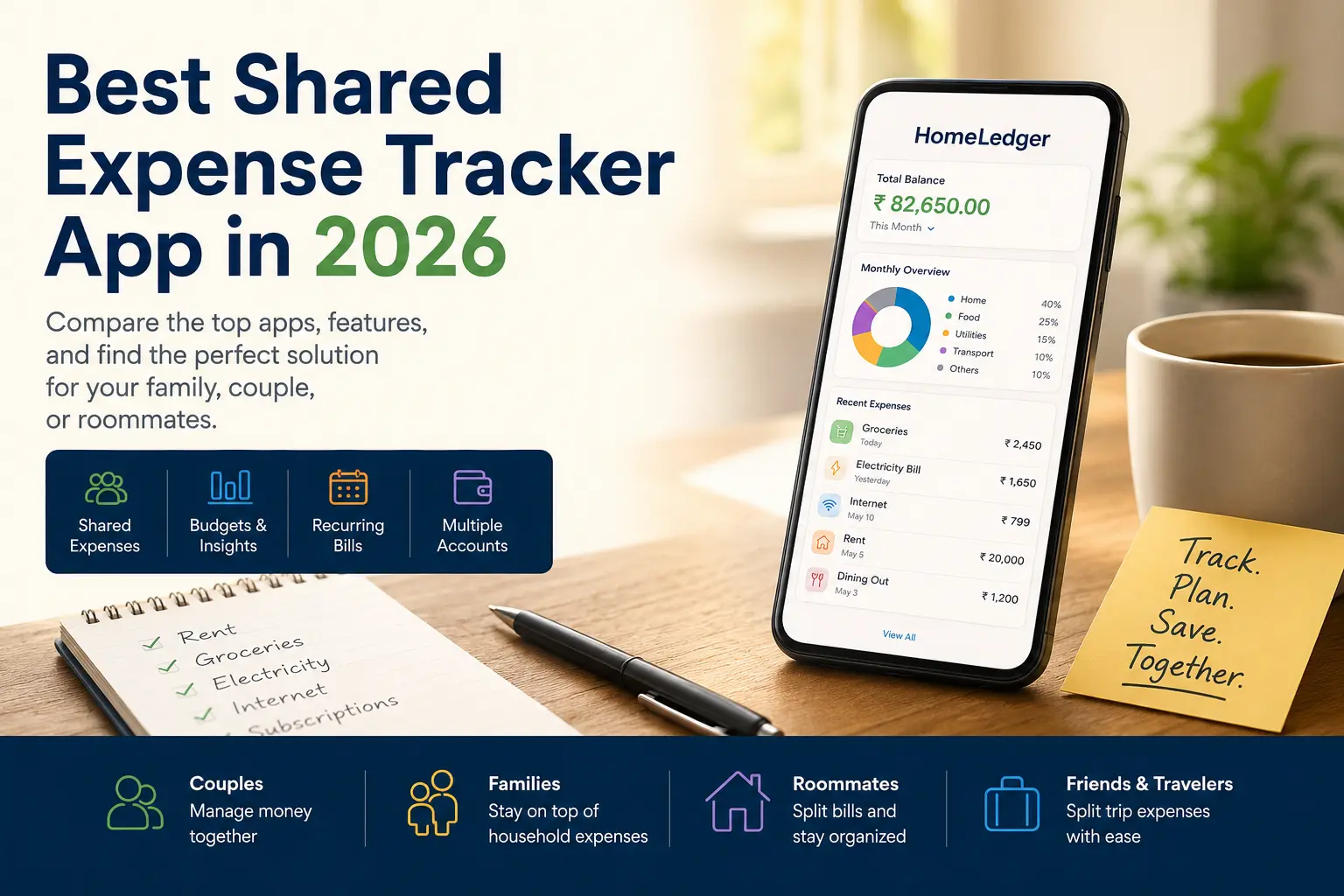
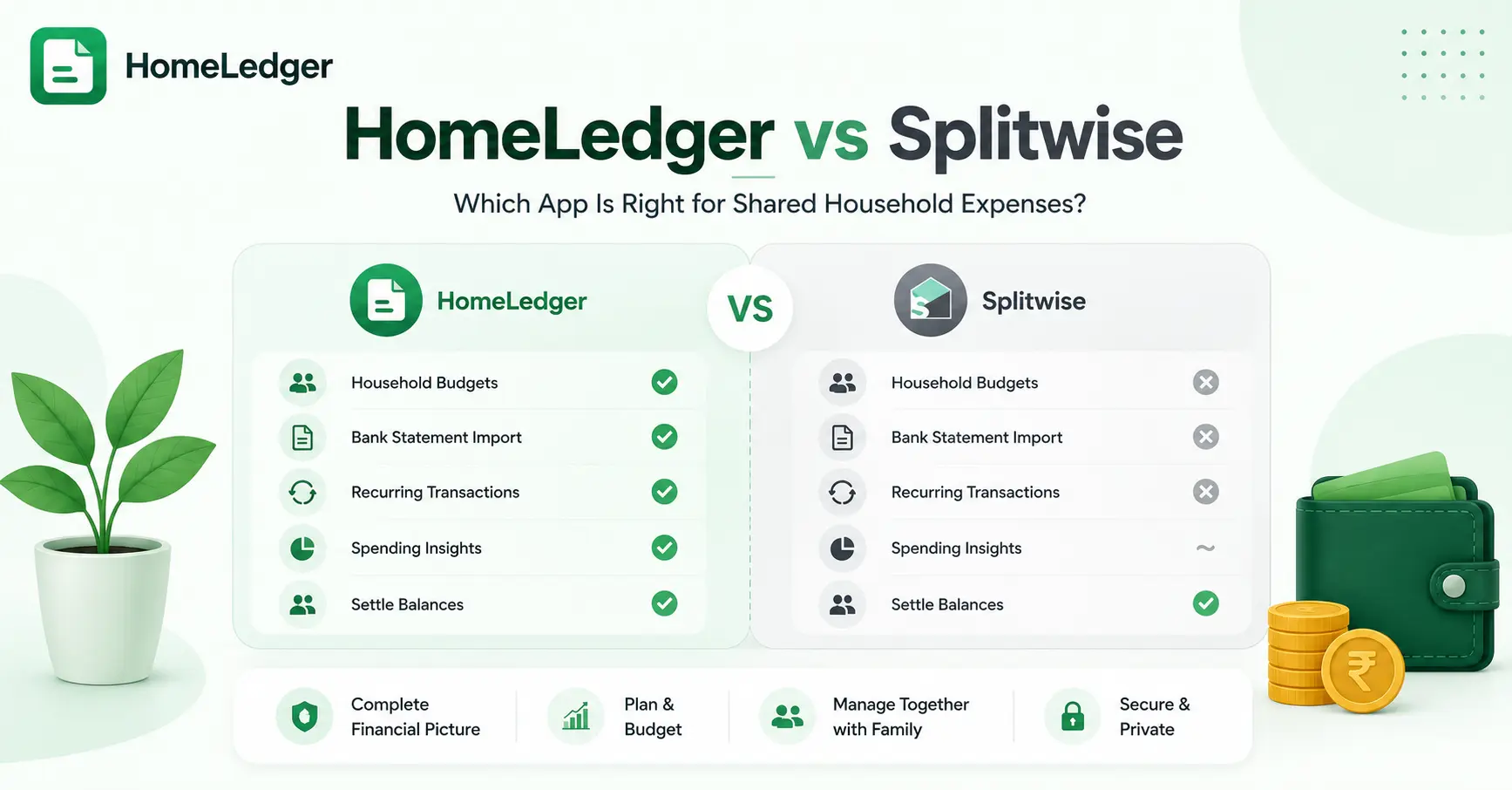
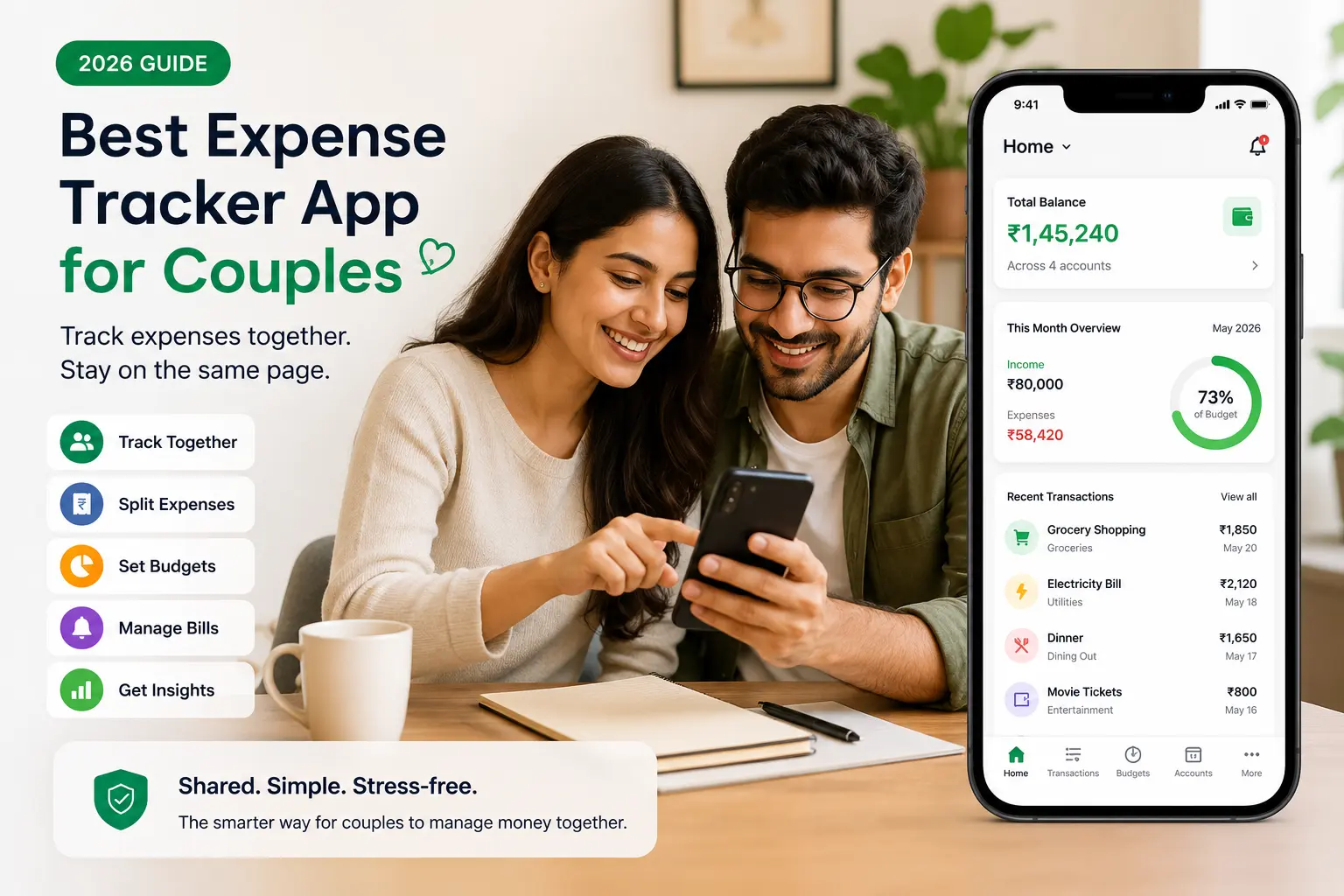
A shared expense tracker can answer two different questions: who owes whom after a purchase, or how much is our household spending each month? The best tool depends on which question you need answered.
For a family managing an ongoing budget, HomeLedger, Spendee and Wallet are worth comparing. For trips and shared bills that need settling, start with Splitwise, Tricount, Settle Up or Splid.
Editorial disclosure: HomeLedger publishes this guide and develops one of the apps listed. We compared published product documentation and pricing on November 24, 2026; we did not conduct independent hands-on testing of every app. The recommendations reflect different use cases, not numerical test scores.
Compare shared expense tracker apps
| App | Main use case | Pricing model | Consider before choosing |
|---|
| HomeLedger | Ongoing household finances | Free download; web preview | Android and web preview; verify feature availability |
| Splitwise | Group debts and reimbursements | Free with daily entry limit; paid Pro | Free entry limit can interrupt frequent logging |
| Tricount | Shared trips and household bills | Free expense tracking | Focused on dividing costs rather than complete household finances |
| Settle Up | Groups with uneven contributions | Free + Premium | Recurring expenses are a paid feature |
| Splid | Travel groups and offline tracking | Free download + in-app purchases | Primarily a group expense tool |
| Spendee | Budgets and shared wallets | Free + Plus/Premium | Creating shared wallets requires a paid plan |
| Wallet by BudgetBakers | Budgets and accounts | Free + Premium | Creating a sharing group requires Premium |
Pricing is based on provider documentation and store listings, not a checkout test. Check your country, platform, billing period and renewal price before paying. Features may differ between mobile and web.
How we selected these apps
We considered four practical requirements: collaboration between people, ability to calculate individual shares or track household spending, ongoing monthly budgeting, and the cost of enabling the features you need. We also considered documented limitations, such as regional bank connections and paid sharing features. This is a documentation-based comparison, not an assessment of performance, security or ease of use from testing.
7 shared expense tracker apps compared
1. HomeLedger — for ongoing household budgets
HomeLedger brings shared transactions, monthly budget limits, accounts, recurring entries and compatible bank statement imports together. It is intended for households that want to understand spending over time rather than only calculate a reimbursement.
Good fit: families and couples who record groceries, rent, school fees and other expenses regularly.
Trade-off: the web application is in preview, and platform-specific features may differ. If your only need is settling a holiday bill, a dedicated group splitter may be simpler. Do not assume automatic bank feeds or payment transfers are included.
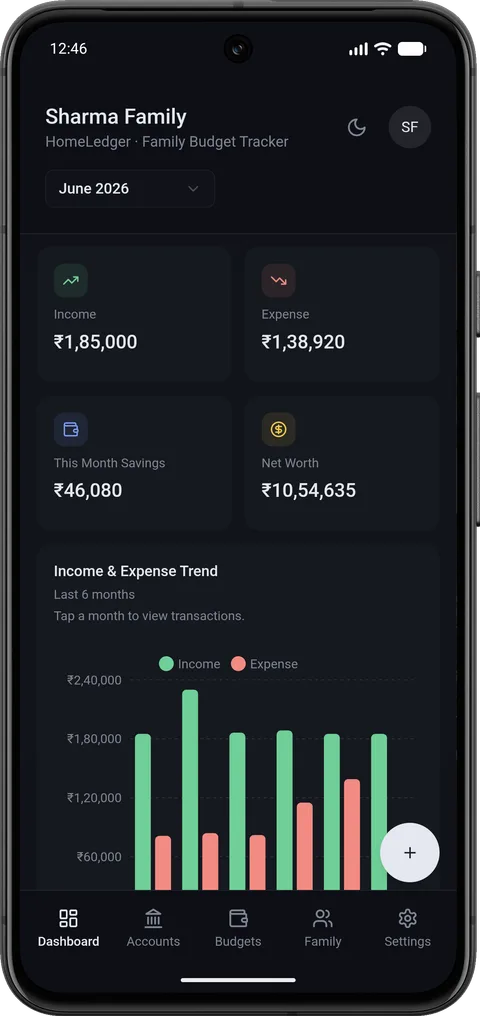
See the Android app listing, feature overview and web preview.
2. Splitwise — for debts and reimbursements
Splitwise is designed around shared purchases and outstanding balances. Its recurring expenses feature also makes it useful for ongoing rent and utilities. The paid plan includes extras such as receipt itemization, currency conversion and spending charts.
Good fit: friends, flatmates and groups where the main outcome is knowing who needs to repay whom.
Trade-off: the provider confirms a daily limit on the free tier. Pro removes that restriction. The card transaction import advertised for Pro is limited to the US; do not confuse that with worldwide bank account synchronization.
Sources: Splitwise Pro, free-tier limits, recurring expenses.
3. Tricount — for free group expense tracking
Tricount lets a group record costs, allocate unequal shares and work out repayments. Its official features page says expense tracking is free, without advertising or a daily entry cap.
Good fit: a trip or shared home that needs a straightforward record of who paid and how much each person owes.
Trade-off: a group cost ledger is not the same as a comprehensive household income and budget planner. Consider whether you need a second tool to manage your full finances.
Source: Tricount features.
4. Settle Up — for flexible group contributions
Settle Up handles different share weights and purchases paid by more than one person. It calculates repayments across a group and offers web access alongside mobile apps.
Good fit: roommates or travel groups with complicated contributions.
Trade-off: its paid tier unlocks recurring and future expenses, receipt images, advanced reporting and other extras. Compare the local Premium price if you need those features.
Sources: Settle Up website, developer's app listing.
5. Splid — for offline trips
Splid supports groups without internet access, optional synchronization and currency conversion. A group can use it to keep track of expenses during travel without maintaining a shared household budget.
Good fit: travelers who want to record expenses even with limited connectivity.
Trade-off: it is focused on group balances rather than managing monthly income and accounts. The app is free to download, with purchases listed in the store; check the limits and prices before relying on it for a larger group.
Sources: Splid website, App Store listing.
6. Spendee — for collaborative wallets
Spendee combines expense recording with spending limits and multiple wallets. The Plus plan unlocks shared wallets, while Premium adds supported bank connections.
Good fit: partners who want a shared spending view alongside personal wallets.
Trade-off: sharing a wallet you own requires a paid subscription. Bank connectivity depends on the plan and institution.
Sources: Spendee pricing, shared wallet documentation.
7. Wallet by BudgetBakers — for household account tracking
Wallet offers budgeting, account tracking and planned payments. Its group sharing feature allows members to collaborate on financial records.
Good fit: households looking for account management and spending analysis rather than simple repayments.
Trade-off: the group owner needs Premium. Access to budgets and planned payments depends on permissions, so review what members can see before sharing accounts.
Sources: Wallet product overview, group sharing documentation.
Which app fits your situation?
| Situation | Start by comparing | Why |
|---|
| Married couple managing recurring household spending | HomeLedger, Spendee, Wallet | Ongoing budgets and shared records |
| Friends on a weekend trip | Splitwise, Tricount, Splid | Temporary group balances |
| Roommates with unequal contributions | Settle Up, Splitwise, Tricount | Flexible expense allocation |
| Family with several accounts | HomeLedger, Wallet | Account and budget overview |
| Couple following a formal spending plan | YNAB and other budgeting apps | Planned allocation instead of only repayments |
If you want deeper budgeting features, see our comparison of budgeting apps for couples.
Worked example: shared tracking versus splitting
Imagine two partners sharing ₹30,000 in rent, ₹10,000 in groceries and ₹5,000 in utilities each month. The total is ₹45,000. If one earns ₹60,000 and the other ₹40,000, a proportional arrangement would allocate ₹27,000 and ₹18,000 respectively.
A bill splitter helps calculate the amount each partner owes and reimbursements after payments. A household budget tracker helps them see whether the ₹45,000 plan is realistic, whether groceries exceeded the agreed limit and which expenses repeat next month.
Try the free shared expense split calculator for a one-off allocation or the household budget calculator for a monthly spending plan. This example is illustrative, not a recommended financial arrangement.
What to check before inviting your household
- Decide whether you need settlement balances, monthly budgets or both.
- Check what each household member can see and edit.
- Compare the actual cost of sharing, adding expenses and exporting records.
- Check whether your country, currencies and devices are supported.
- Review the privacy policy, deletion process and any bank connection permissions.
- Test a small sample of transactions before moving your financial history.
For a detailed setup, read how to track shared expenses or how to split household expenses fairly.
Frequently Asked Questions
What is the best shared expense tracker for families?
If you need monthly budgets and ongoing account tracking, compare HomeLedger, Spendee and Wallet. If the family primarily needs to calculate reimbursements, a group expense splitter may fit better.
Which shared expense tracker is free?
Tricount advertises free expense tracking without a daily cap. Other apps offer free downloads or limited free plans, sometimes charging for advanced or shared features. Check current pricing before choosing.
Is Splitwise suitable for monthly household expenses?
Yes. Splitwise supports recurring expenses and group balances, but its primary focus is allocating costs and tracking debts. A budgeting tool may also be useful when you need to plan spending against income.
Can I track shared expenses with a spreadsheet?
Yes. A shared spreadsheet can handle custom categories and calculations, but someone must maintain the formulas and access permissions. It is a reasonable starting point for households with simple needs.
Do these apps automatically move money between people?
Recording an expense or calculating a settlement does not necessarily move money. Check whether any payment service is available in your region and confirm payments separately.
Final recommendation
Choose the tool that matches the job. For a recurring household budget, explore HomeLedger's shared expense tracker. For occasional group costs, try a dedicated splitter and compare its free limits before subscribing.
You can start with a small set of sample expenses rather than moving all your records at once.