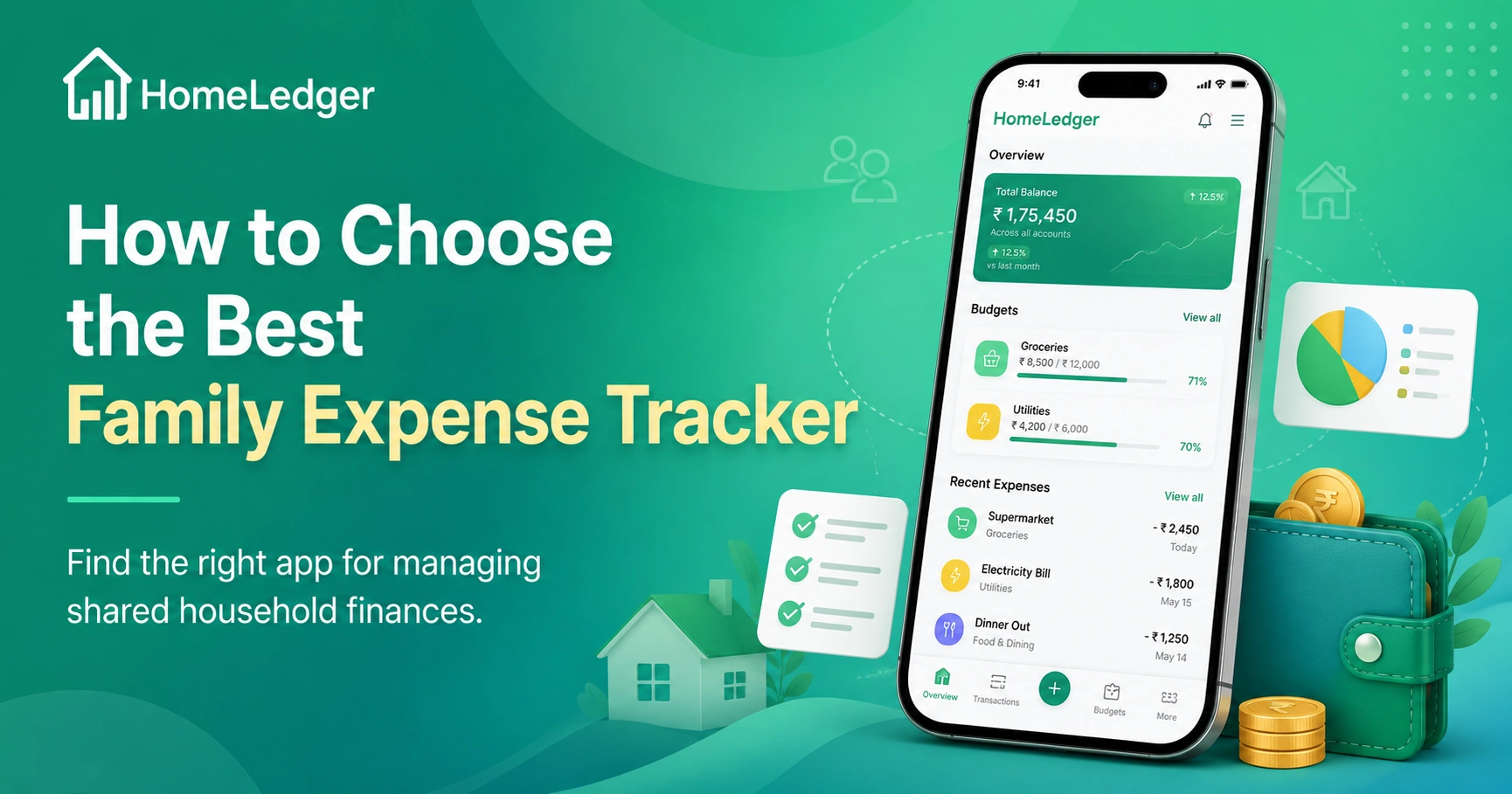
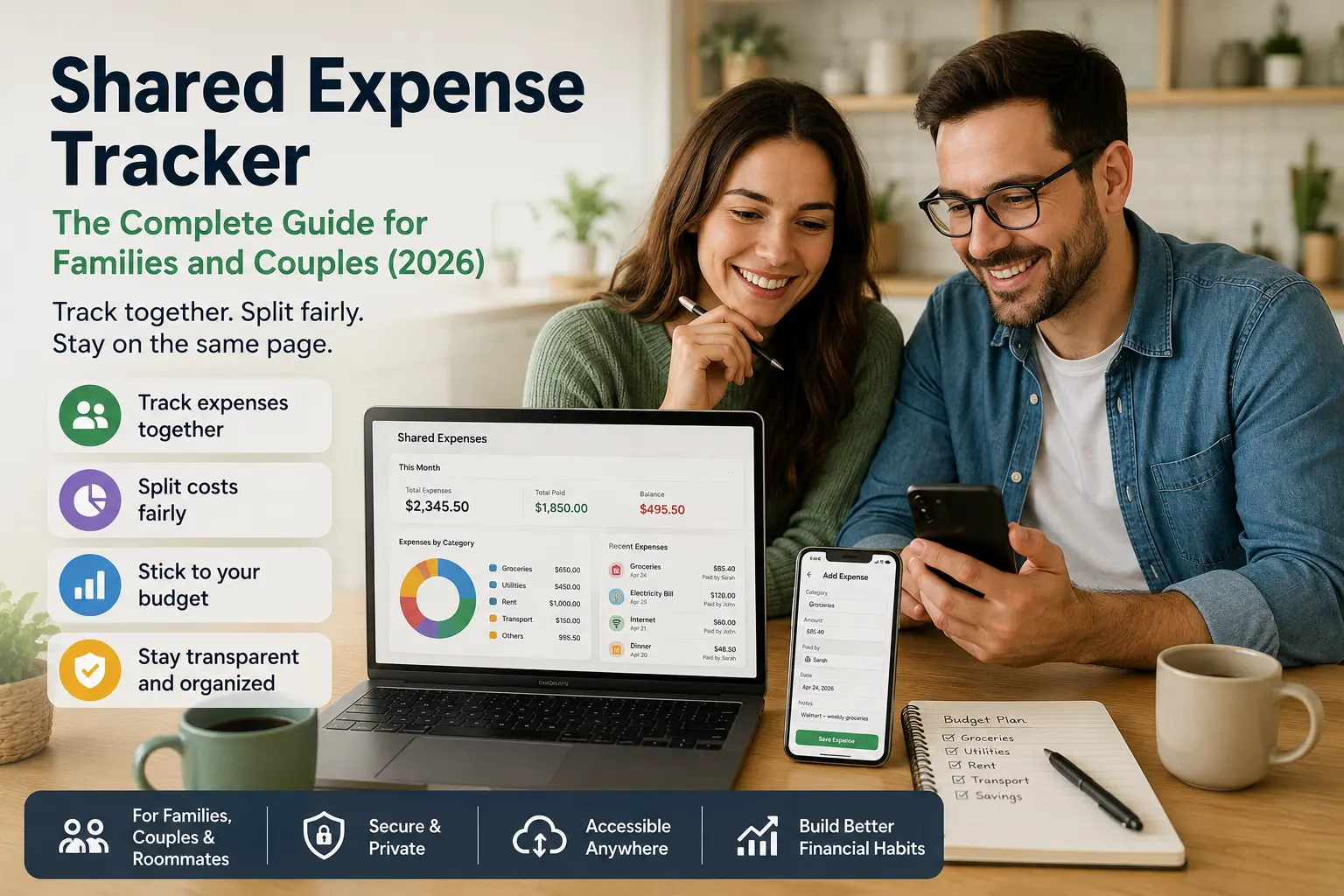
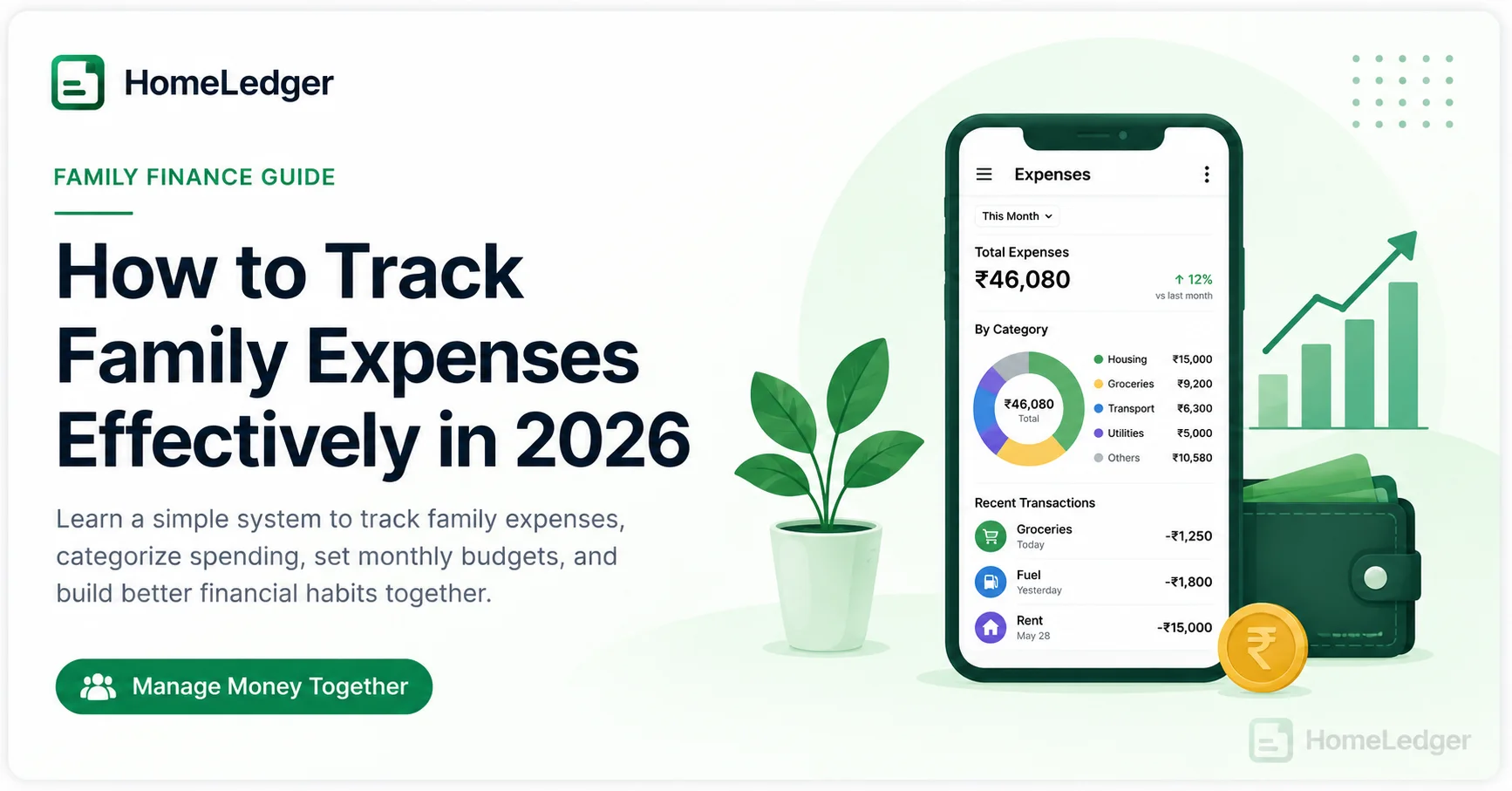
The best family expense tracker is the one that makes it easy for your household to record spending consistently, review a common budget and understand who can see or edit financial records.
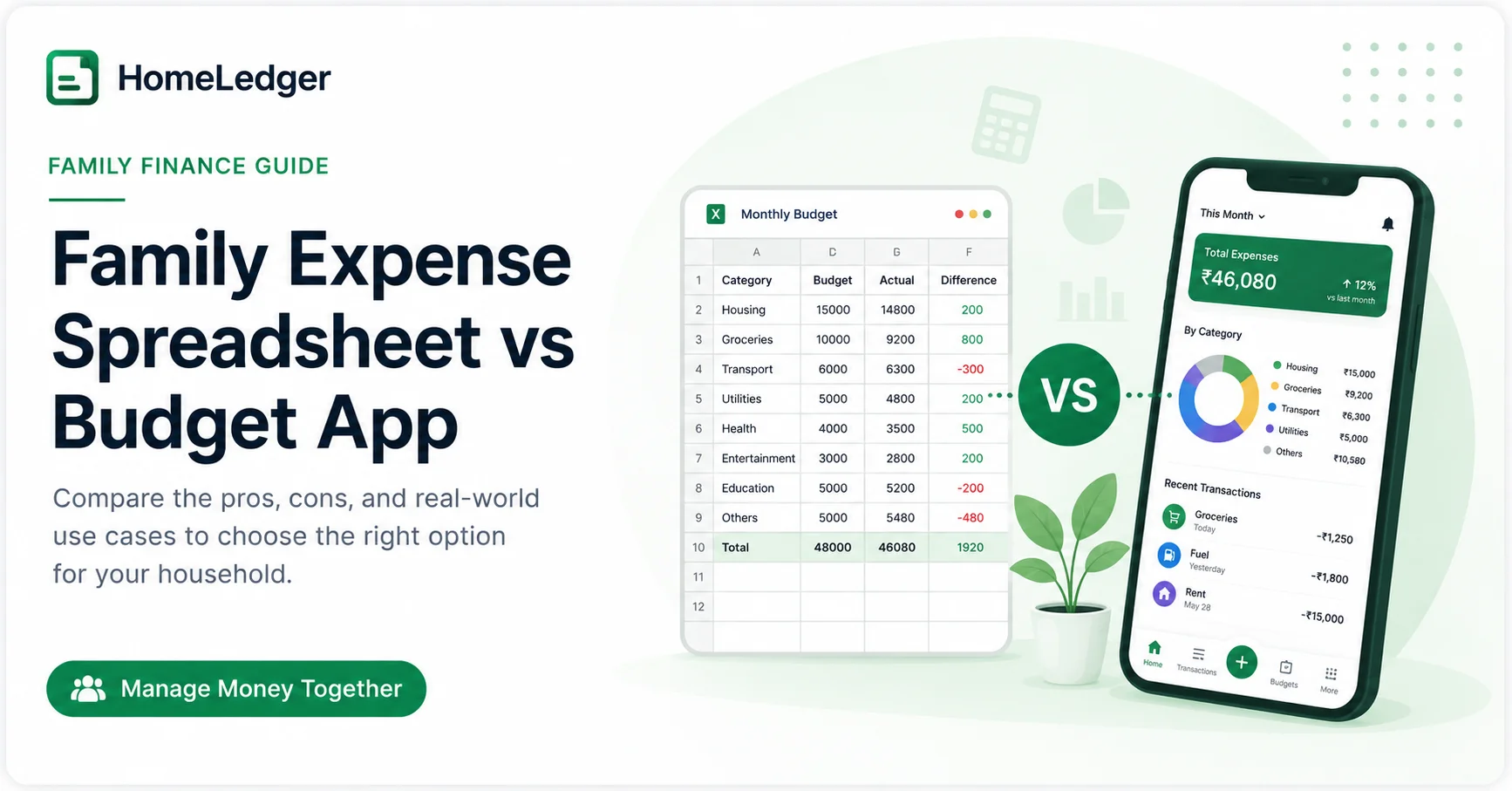
A shared spreadsheet can be enough for a simple household. A bill-splitting app is useful for reimbursements, while a household budgeting app is better suited to tracking ongoing expenses against monthly spending limits.
Disclosure: HomeLedger publishes this guide and develops a household finance app. We compare approaches and practical requirements here, not independently tested product rankings. Read our editorial policy for how we prepare guides.
Compare the main approaches
| Approach | Best suited to | Limitation to check |
|---|
| Shared spreadsheet | Families comfortable maintaining a custom budget | Manual formulas, editing and reconciliation |
| Group expense splitter | Households where individual repayments are the priority | May need a separate monthly budget |
| Shared household budget app | Families with regular bills, several members and accounts | Sharing permissions, platform support and plan limits |
| Individual budget app | One person managing their own finances | May not offer appropriate household collaboration |
For named alternatives and their published limitations, see our shared expense tracker comparison and budgeting apps for couples guide.
What features matter most?
Shared household access
Look for a way to invite family members without sharing banking credentials. Before adding real data, test how a new member joins and what they can see, edit or remove. A common household does not automatically mean every member has private accounts or identical permissions.
HomeLedger implements household membership and an invitation workflow. Approved household members can access shared financial records. Check the permissions that apply to the actions you want each person to perform.
Monthly budgets by category
Rent, groceries, transport and healthcare need different spending limits. A category-based budget lets you see where spending differs from your plan rather than only reviewing the total at month end.
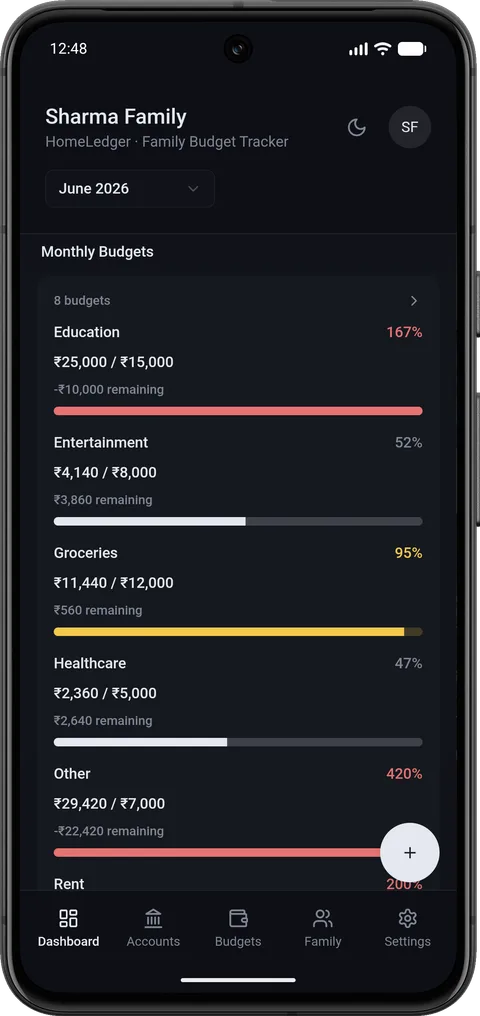
HomeLedger supports category-based household budgets. You can start with a few categories, then adjust limits as you learn what your family actually spends. See our budget categories guide.
Account and transaction tracking
If family members use several bank or cash accounts, look for a common view of income, expenses and transfers. Avoid recording a transfer between your own accounts as a new expense unless that reflects the intended accounting treatment.
HomeLedger supports account records and household transactions. Balances are based on recorded activity, not a live connection to your bank. Reconcile them periodically against your actual statements.
Recurring entries and bill planning
A recurring transaction feature can reduce repeated entry for rent or subscriptions. Check how the app generates entries, whether schedules can be paused and how missed entries are handled.
Recurring records do not necessarily pay your bills or send reminders. Keep actual payment confirmation separate. The free monthly bills checklist can help you assign owners and track due dates.
Import options and data portability
If you already have transaction history, check supported file types, account restrictions, duplicate matching and whether an import can be undone. HomeLedger's beta statement workflow accepts compatible CSV, XLS and XLSX bank exports in the reviewed source. It is not a live bank feed, and bulk undo is not available. Start with a small file and use our statement import guide.
Also check what export and deletion options are available before relying on any app for long-term storage.
Privacy and device compatibility
Review the provider's privacy policy, account recovery procedure, data sharing and device support. In HomeLedger, the underlying authentication workflow uses an anonymous session; household financial records are synchronized rather than being stored only on one device. Do not assume anonymous sign-in means there is no account or cloud storage.
HomeLedger offers Android and a web preview. Features may differ by release and device. See the privacy policy and web preview information.
Example: a family budget with multiple contributors
Imagine a household with ₹90,000 monthly take-home income. The following amounts are illustrative, not recommended spending targets.
| Category | Planned | Actual | Remaining budget |
|---|
| Housing | ₹25,000 | ₹25,000 | ₹0 |
| Groceries | ₹12,000 | ₹14,000 | -₹2,000 |
| Utilities | ₹5,000 | ₹4,500 | ₹500 |
| Transport | ₹8,000 | ₹7,000 | ₹1,000 |
| Healthcare | ₹5,000 | ₹3,000 | ₹2,000 |
| Other | ₹10,000 | ₹9,500 | ₹500 |
| Total | ₹65,000 | ₹63,000 | ₹2,000 |
Actual income minus spending is ₹27,000. The overall plan is under budget even though groceries exceeded their category limit. A useful tracker should let the household notice both facts.
If you want to try the process without an account, download the free household budget Excel template or enter your own hypothetical figures in the household budget calculator.
A practical seven-day evaluation
- Agree which family expenses should be shared.
- Create a test household or spreadsheet with hypothetical records.
- Add a few cash and bank expenses, including one transfer.
- Set category budgets and compare actual spending.
- Invite a trusted household member and verify their visibility and permissions.
- Test an available import or export workflow with non-sensitive sample data.
- Review how easy the routine was to maintain, and check the real price before committing.
Only move real financial history once everyone understands the access model and the tool meets your needs.
Frequently Asked Questions
What is the best family expense tracker?
There is no single best app for every family. Choose a shared budgeting tool for ongoing household spending, a group splitter for reimbursements, or a spreadsheet for a simple customizable plan.
Can multiple family members track expenses together?
Apps with shared household access can support collaboration. Check invitations, approved membership and what each participant can see and edit before entering real financial data.
Can I use a free family budget spreadsheet instead?
Yes. A spreadsheet is a practical starting point if the household can keep it updated. Our downloadable Excel budget template includes sample data, planned and actual spending, and a summary dashboard.
Does a family expense tracker automatically pay bills?
Recording expenses, generating recurring entries and calculating a budget do not automatically pay bills. Check payments separately.
Can HomeLedger import bank statements?
The reviewed beta implementation supports compatible CSV, XLS and XLSX files for active Bank and Cash accounts. PDF files are not supported. Check feature availability in your installed version.
Get started with a shared monthly review
Choose a routine that suits your household, not just a tool with the longest feature list. Explore HomeLedger's family expense tracker or use the free template first. Review spending together each week and adjust the next month's plan based on what you learn.